Powerful PDF Editing Features
Why Choose BoostPDF
Privacy-First
All processing happens locally in your browser. Your sensitive documents never leave your device.
- PDF editing happens locally in your browser. Files never leave your device.
- Advanced tools (OCR, conversion, encryption) use secure server processing with SSL encryption.
- Server files deleted within 1 hour or instantly after download. Zero data retention.

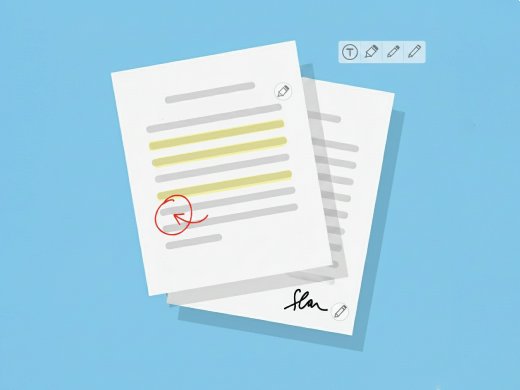
Rich Annotations
Add text, drawings, shapes, highlights, signatures, and form elements to your PDFs.
- Boost PDFs by adding text, drawings, highlights, and custom shapes
- Professional annotation tools with full customization options
- Export annotations as standard PDF comments compatible with all readers
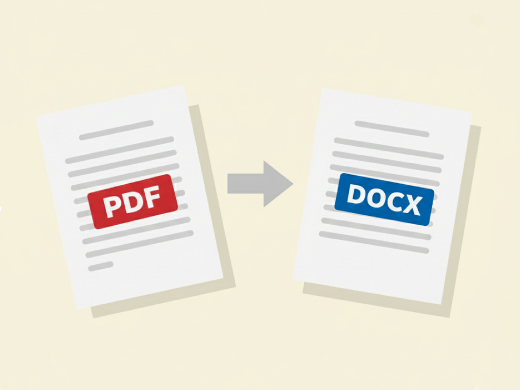
Format Conversion
Convert PDFs to Word, Excel, PowerPoint, and image formats with high fidelity.
- Convert between PDF, Word, Excel, PowerPoint, and image formats
- Preserve original formatting, fonts, and layout perfectly
- Batch convert multiple files simultaneously to save time
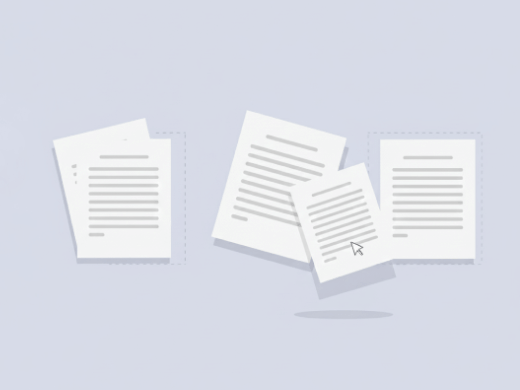
Multi-Document
Work with multiple PDFs simultaneously. Merge, split, and reorder pages across documents.
- Merge, split, rotate, and reorder pages across multiple PDFs
- Drag-and-drop interface for intuitive document management
- Work with unlimited PDFs without file size restrictions
OCR Technology
Extract text from images and scanned documents with advanced OCR capabilities.
- Extract text from scanned documents and images with 99%+ accuracy
- Support for 50+ languages including English, Spanish, Chinese, and more
- Convert scanned PDFs to searchable and editable documents instantly
Frequently Asked Questions
The essentials: what BoostPDF does and how it helps.
We built BoostPDF so you don't need five tools open to finish one job. Add or remove pages, reorder with drag-and-drop, or work across multiple files at once—all inside one editor. Load as many files as you want, and they'll be treated as a single PDF so you can keep working without interruptions.
Yes. No sign-ups, no email walls. Basic editing—like annotations, page ordering, and exports—is always unlimited and free. Advanced tools come with daily usage limits, but those limits reset every day, so you can use them again tomorrow.
BoostPDF runs directly in your browser, so your files stay on your computer. The only exceptions are conversion, encryption, and merge tools, which need server-side processing—but even then, your files are deleted automatically after processing. No snooping, no hidden storage.
Nope. BoostPDF works in your browser—nothing to install, no bloatware. Just open the editor and get to work.
Absolutely. BoostPDF works on any device with a browser—phone, tablet, desktop, doesn't matter. The interface adapts to your screen, so you get the same tools whether you're on the couch or at your desk.
Compression is configurable—you can choose the balance between file size and quality. Lower compression keeps higher quality, while higher compression reduces file size more but may slightly affect image clarity.
Yes! Both free and premium users can use BoostPDF for business purposes, with no watermarks or restrictions on work-related use.