
TL;DR: Boost PDF is a complete suite of PDF tools. Edit, merge, compress, convert, sign, and annotate PDFs with daily free limits. Most tools process files locally in your browser for privacy - complex operations use secure server processing with automatic deletion within 1 hour.
What Can You Do with Boost PDF?
Boost PDF gives you professional-grade PDF tools with generous daily free limits. Unlike expensive desktop software, everything works directly in your web browser. No downloads required, no account needed to start. Basic editing features like text editing are completely free forever.
Here's what makes this different from other online PDF tools:
Edit Existing Text (Free)
Most "free" PDF editors only let you add new text boxes on top of documents. Boost PDF is the only free tool that lets you click on existing text and change it directly - fix typos, update dates, correct names. This feature usually costs $12-20/month elsewhere.
All PDF Tools in One Place
Everything you need to work with PDFs, organized by what you're trying to accomplish:
Edit PDF
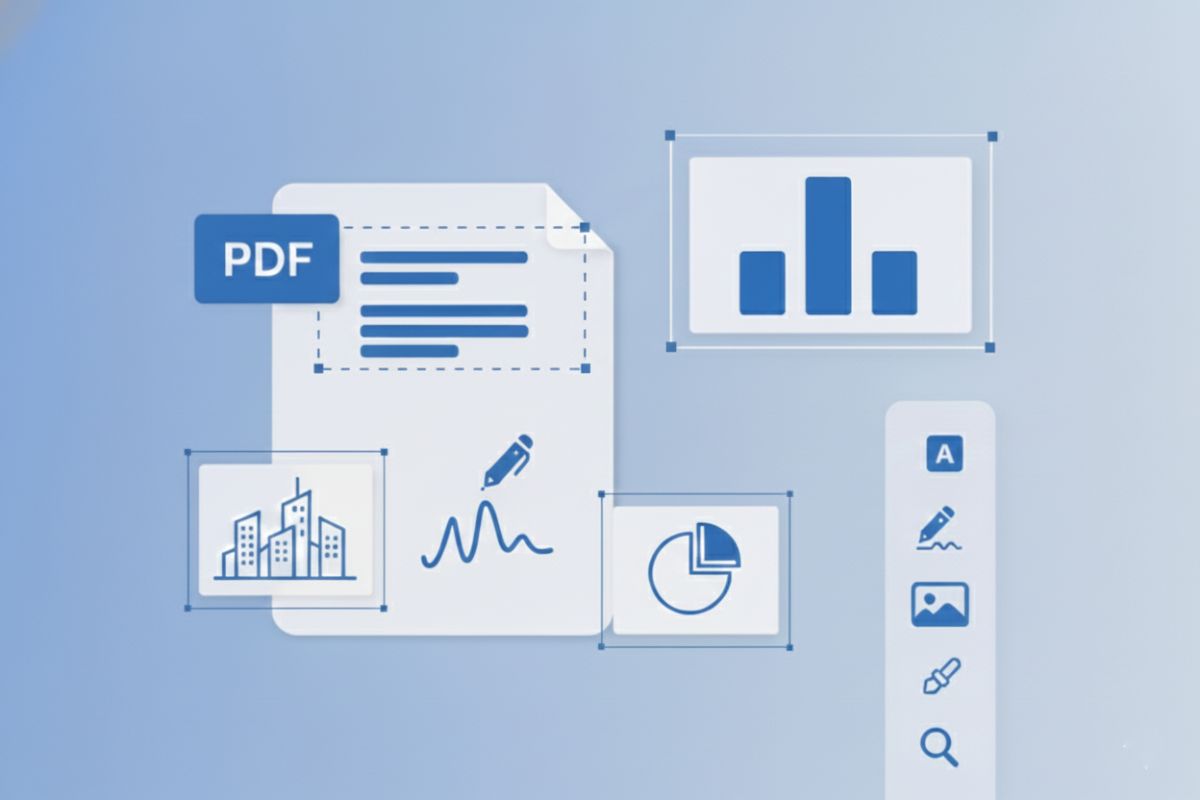
Modify existing text, add images, annotate
Merge PDF
Combine multiple PDFs into one file
Compress PDF
Reduce file size for email
PDF to Word
Convert PDF to editable DOCX
PDF to Image
Export pages as JPG or PNG
Sign PDF
Add electronic signatures
OCR PDF
Make scanned PDFs searchable
Rotate PDF
Fix page orientation
How to Boost Your PDF Productivity
Working with PDFs doesn't have to be frustrating. Here are practical ways to save time:
Working with Multiple Documents
Most PDF tools make you work one file at a time. With Boost PDF, you can upload multiple PDFs simultaneously. Every page from every file appears as a thumbnail. Drag pages between documents, reorder them, delete what you don't need - then export everything as a single file.
Common scenario: You have a cover letter, main report, and three attachments. Instead of opening five different files and copying content, upload them all at once, drag pages into order, and export. Takes about 30 seconds.
Actually Editing Text
The difference between "editing" and "adding text" matters. Adding text puts a new text box over the document - useful for filling forms. Editing means changing the actual existing text - fixing a misspelled name, updating a date, correcting information.
If your PDF was created from Word, PowerPoint, or another text-based source (not scanned), you can edit the original text directly. Just click on it and type your changes. Learn more about editing PDF text.
Smart Compression
Email won't send because the PDF is too large? Compression helps, but the right settings depend on what you're doing:
- Sending to clients: Use medium compression (5-15% size reduction) to keep documents looking professional
- Internal sharing: High compression (25-40% reduction) works well for most everyday uses
- Archiving: Maximum compression saves the most space but may affect image quality
Our PDF compression tool lets you choose the right balance.
💡 Pro tip: If your PDF doesn't need color (like text documents), converting to grayscale during compression can cut file size by an additional 20-40%.
Works Everywhere
Boost PDF runs entirely in your web browser, which means it works on:
- Windows: Chrome, Firefox, Edge - Windows PDF editing guide
- Mac: Safari, Chrome, Firefox - Mac PDF editing guide
- Chromebook: Perfect for Chrome OS - Chromebook PDF editing guide
- Mobile: iPhone, iPad, Android phones and tablets - Mobile PDF editing guide
No app installation required. If your device has a modern web browser and internet connection, you can use Boost PDF.
Your Files Stay Private
Here's how we handle your documents:
- Browser-based processing: Most operations (editing, merging, reordering pages, adding annotations) happen entirely in your browser. Your files never leave your device.
- Secure server processing: Complex features like OCR and some format conversions require server processing. Files are transmitted via encrypted HTTPS connection and automatically deleted within 1 hour after processing.
- No account required for basic use: Start using tools immediately without signup. We don't track individual documents or build profiles on users.
Frequently Asked Questions
What does Boost PDF do?
Boost PDF is a comprehensive online PDF toolkit with generous daily free limits. Edit text, merge documents, compress files, convert formats, add signatures, OCR scanned documents, and more. Basic editing features are completely free. Most tools process files in your browser for privacy, while complex operations use secure server processing with automatic deletion within 1 hour.
Can I edit existing text in a PDF for free?
Yes, text editing is completely free with no limits. Boost PDF lets you click on existing text in PDFs and modify it directly - not just overlay new text boxes. If your PDF was created from a digital document (not a scanned image), you can edit the actual text. This feature is free forever, unlike competitors who charge $12-20/month.
Is Boost PDF safe to use?
Yes, Boost PDF prioritizes your privacy. Most tools (editing, merging, rotating) process files entirely in your browser - your documents never leave your device. Complex features like OCR require server processing, where files are transmitted via encrypted HTTPS and automatically deleted within 1 hour after processing.
How do I merge PDF files with Boost PDF?
Upload all your PDF files at once to Boost PDF. Each page appears as a thumbnail. Drag and drop pages into any order you want, mixing pages from different files. Delete pages you don't need, then export as a single merged PDF.
Does Boost PDF work on mobile devices?
Yes, Boost PDF works on any device with a modern web browser including smartphones, tablets, Chromebooks, and computers running Windows, Mac, or Linux. No app installation is required.