Files & privacy
01 / 10
Are my files uploaded to your servers?
Most tools never upload your file: editing, signing, forms, page tools, merge, split, Redact and White Out all run in your browser. Compress, Convert, OCR, Password protection and Edit PDF Text use our server briefly. The file is deleted right after processing, and the result once you download it or within 1 hour. The AI tools send the document text to our AI providers.
Privacy Policy
Files & privacy
02 / 10
Does Redact PDF really remove the text?
Yes. The text, images and shapes under each mark are removed from the file, not just covered, and it all happens in your browser. Find & redact helps you spot ID numbers, names and email addresses. White Out only covers content, so use Redact for anything private.
Redact PDF
Editing & converting
03 / 10
Can I edit the text that's already in a PDF?
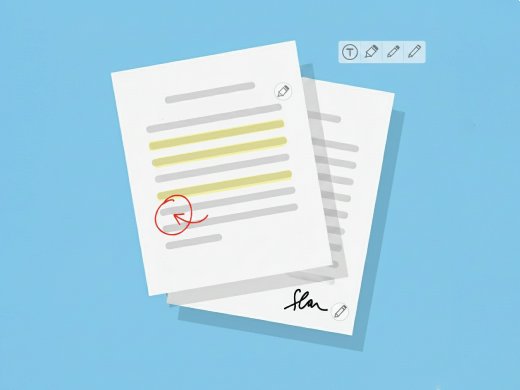
Yes. Edit PDF Text changes existing words and lines, and Add Text puts new text anywhere on the page. You can also add images, highlight, draw, add shapes and stamp.
Edit PDF Text
Editing & converting
04 / 10
Can I sign a PDF and fill in forms?
Yes. Draw your signature once, save it, and place it on any page. Fill PDF Form lets you type into form fields. These are signatures drawn on the page, not certificate-based digital signatures.
Sign PDF
Editing & converting
05 / 10
Does it work with scanned PDFs?
Yes. OCR turns a scan into a PDF whose text you can select, search and copy.
OCR PDF
Editing & converting
06 / 10
Which files can I convert?
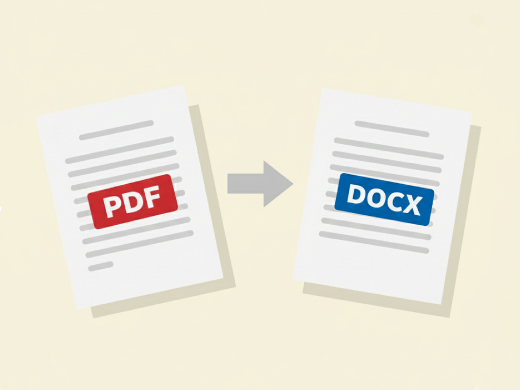
PDF to and from Word, JPG and PNG to PDF, and PDF to JPG or PNG.
PDF to Word
Editing & converting
07 / 10
Will compressing a PDF reduce its quality?
You choose from three levels, from best quality to smallest file. Text stays sharp; it's the images that get smaller. Need a specific size? Use Compress to 1 MB or Compress for Email.
Compress PDF
Plans & devices
08 / 10
Is BoostPDF free, and can I use it for work?
Yes. Every tool is free to try without signing up, with a daily, weekly and monthly allowance per tool. Pro removes the limits on the editing tools. There are no watermarks on free or Pro files, and you can use BoostPDF for work.
See Pro pricing
Plans & devices
09 / 10
Do I need to install anything? Does it work on my phone?
No installation needed. It works in any modern browser on a computer, phone or tablet, and there are Android and iOS apps too.
Plans & devices
10 / 10
Can I open and save files from Google Drive?
Yes. Open a PDF from Google Drive, edit it in your browser and save it back to the same file. BoostPDF can only see the files you choose.
Edit PDF